


ORUS CAS Registration: How to Register a Computerized Accounting System
- QNE Software Philippines
- Published on
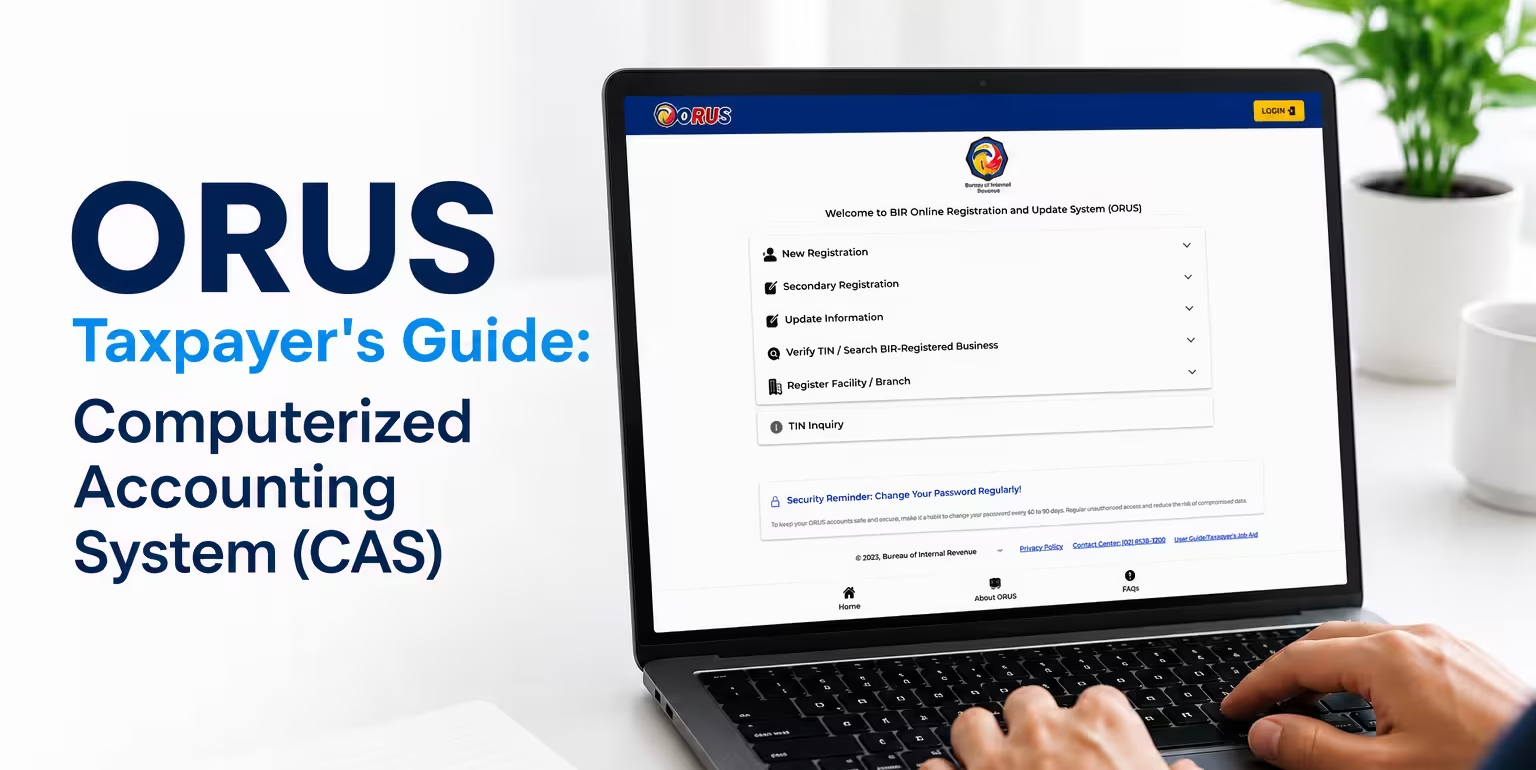
Online Registration and Update System (ORUS) is a web-based system that provides an end-to-end process for taxpayer registration and updates, including the application for Computerized Accounting System (CAS) registration. CAS is the digital system or software businesses use to record transactions, generate financial reports, maintain accounting records, and issue electronic invoices.
This guide is for taxpayers preparing to register a CAS. You’ll get a clear walkthrough of who needs to register, what to prepare, and the steps to complete a CAS registration application through ORUS—from submission and BIR approval to securing the Acknowledgement Certificate.
Who Needs to Register a Computerized Accounting System?
Taxpayers are generally encouraged to adopt or maintain a Computerized Accounting System (CAS), or at least one of its individual components, as part of good accounting practice.
Registration becomes mandatory, however, for Large Taxpayers (LT) covered under Revenue Regulation (RR) No. 1-98, as amended. Businesses classified as Large Taxpayers are required to adopt CAS and maintain all their accounting records, documents, and books electronically — which means ORUS CAS registration isn’t optional for this group.
What Are the Requirements for CAS Registration?
Before starting your ORUS CAS registration application, it helps to have the following on hand. Requirements generally fall into six categories:
Taxpayer and business information
TIN, RDO code, registered name, and business address, most of which is pulled directly from your existing ORUS account.
System information
Software name, version number, release number/date, database platform, and whether the software is In-House Developed, Off-the-Shelf, or Customized.
Modules
The specific modules within the system that generate accounting records (e.g., General Ledger, Sales, Purchases, Customer, Supplier).
Forms
Both system-generated and manually-issued forms or documents, including prefix, suffix, and serial number ranges.
Books
The books of accounts your system produces (e.g., General Journal) and which module generates each one.
Reports
Applicable financial statements, BIR forms, and other reports generated by the system, if any.
Beyond these, ORUS also requires a set of documentary requirements in accordance with O.M. No. 46-2024, submitted as PDF, JPG, or PNG files (each file capped at 25MB). These typically include:
- A Sworn Statement or Joint Sworn Statement, along with a duly accomplished Summary of System Description.
- A one-page sample print-out per receipt or invoice, combined into a single PDF.
- A one-page sample print-out per book of accounts, combined into a single PDF.
- A printed copy of the audit trail.
- A duly accomplished and signed Standard Functional and Technical Requirements form.
- If the software license is under a parent or affiliate company's name, a certificate from that company authorizing the taxpayer-applicant to use the same system.
How to Register a CAS Through ORUS
Once your documents and system details are ready, the actual ORUS CAS registration process follows six general stages.
1. Create an ORUS Account
2. Access Registration of System
3. Select CAS and Add System Details
4. Add Registration, Modules, Forms, and Books
5. Upload Documentary Requirements
6. Review and Submit the Application
What Happens After You Submit Your CAS Registration?
Once your ORUS CAS registration is submitted, the application is routed to your RDO for review and approval, and you’ll typically be notified of the results within three working days from the date of submission. Updates are sent to your registered email address, so it’s worth keeping an eye on your inbox during this window.
Once approved, you can generate your Acknowledgement Certificate (AC) directly through ORUS — go to Profile, click Secondary Registration, then Certificates & Permits, and wait for the download to complete.
Simplify Your Accounting Setup With N3 AI Accounting
Preparing the information and documents needed for CAS registration can be easier when your accounting system is designed to support BIR requirements. N3 AI Accounting is a BIR CAS-ready accounting solution built for Philippine businesses, with features that help manage computerized books, accounting records, forms, and reports.
Preparing for ORUS CAS Registration? Get the Complete Taxpayer's Guide
Download the Complete ORUS CAS Registration Guide — with screenshots for every step.
Frequently Asked Questions (FAQs)
What is ORUS CAS registration?
ORUS CAS registration is the process of formally declaring a Computerized Accounting System — the software and modules a business uses to generate its books of accounts and accounting records — to the BIR through the Online Registration and Update System (ORUS).
Is CAS registration mandatory for all businesses?
It’s encouraged for all taxpayers, but only mandatory for Large Taxpayers (LT) under RR No. 1-98, as amended, who are required to adopt CAS and maintain their accounting records electronically.
What documents do I need before applying for CAS registration?
Generally, a Sworn Statement or Joint Sworn Statement with a Summary of System Description, sample print-outs of receipts/invoices and books of accounts, a printed audit trail, a signed Standard Functional and Technical Requirements form, and — if applicable — a certificate authorizing use of a parent or affiliate company’s licensed software.
How long does BIR take to process a CAS registration application?
Applicants are typically notified of the results within three working days from the date of submission, with updates sent to the registered ORUS email address.
What's the difference between a New Application and an Amendment in ORUS?
New Application is used for a first-time CAS registration, while Amendment is used to update an existing registration — for example, when system details or modules change.
What is the Acknowledgement Certificate (AC), and how do I get it?
The AC is proof of your approved CAS registration. Once your application is approved, you can generate it in ORUS under Profile, then Secondary Registration, then Certificates & Permits.